
ProjectsmacOS · Alpha
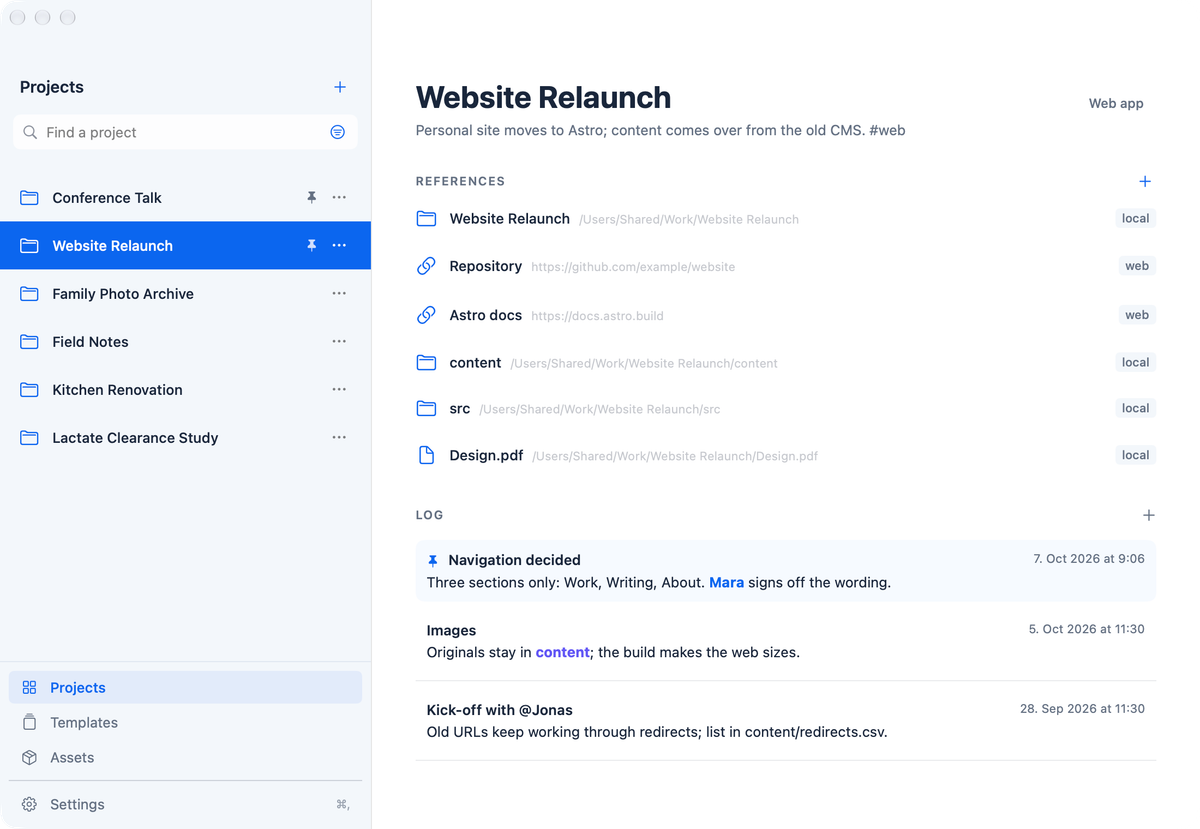
Jedes Projekt an einem Ort, egal wo seine Dateien liegen: sein Kontext, ein schneller Weg zurück und dieselbe Struktur für das nächste.
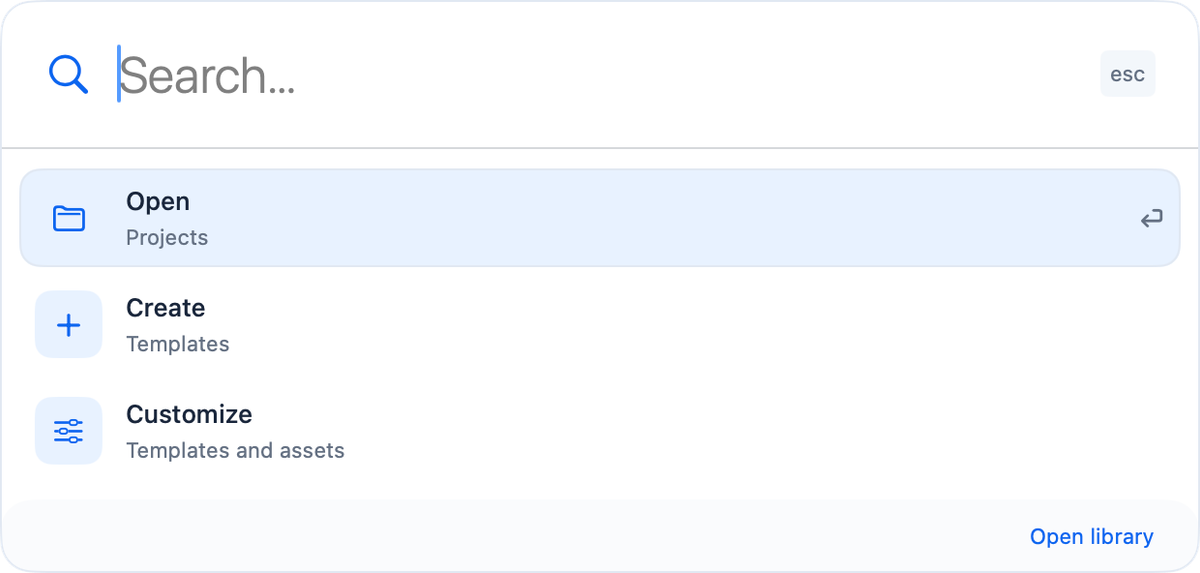
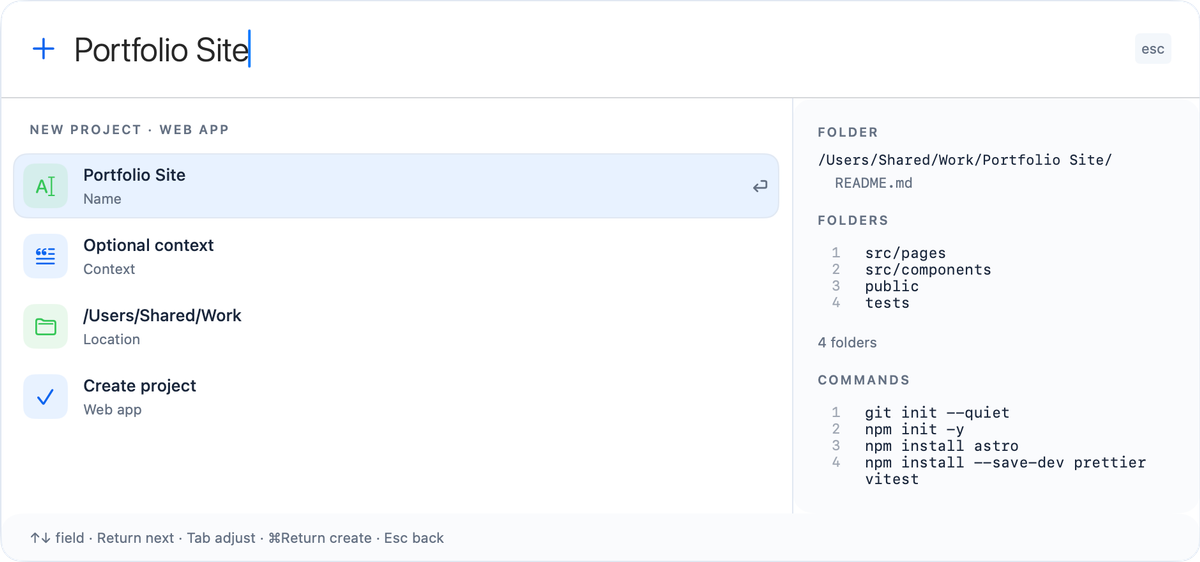
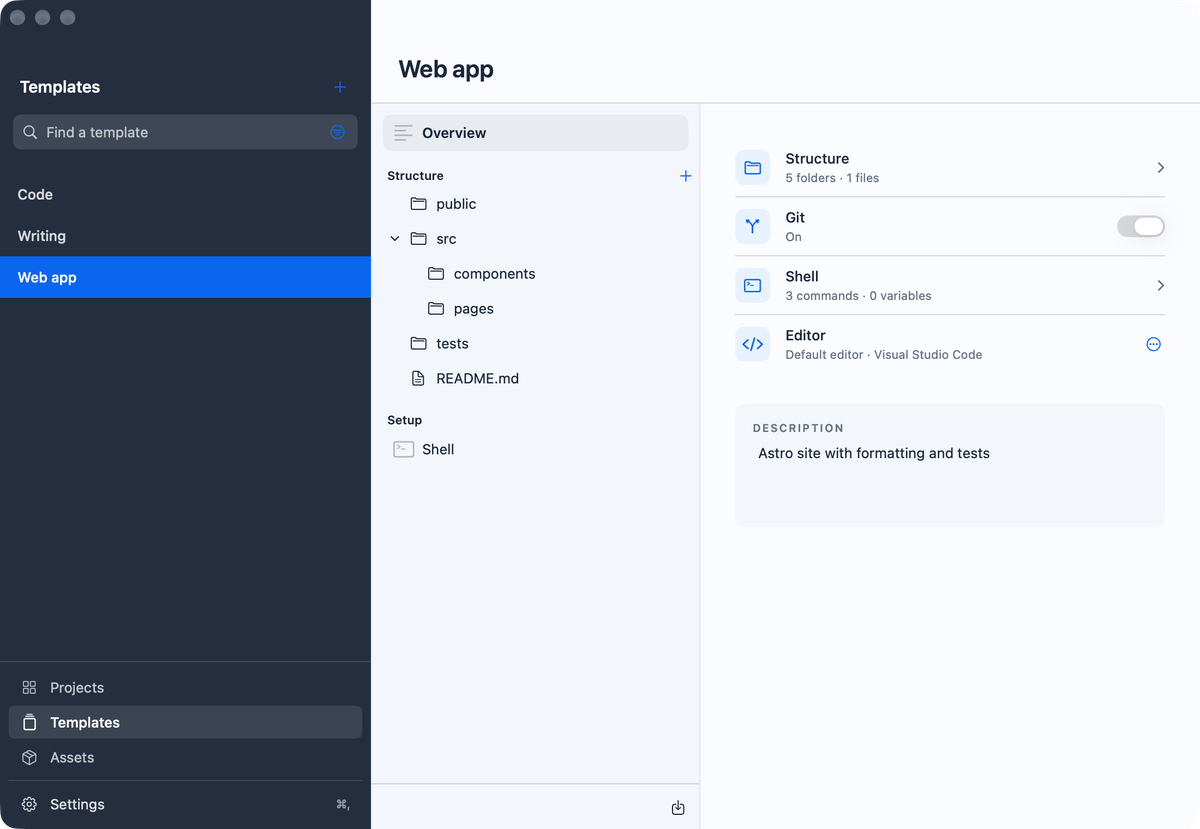
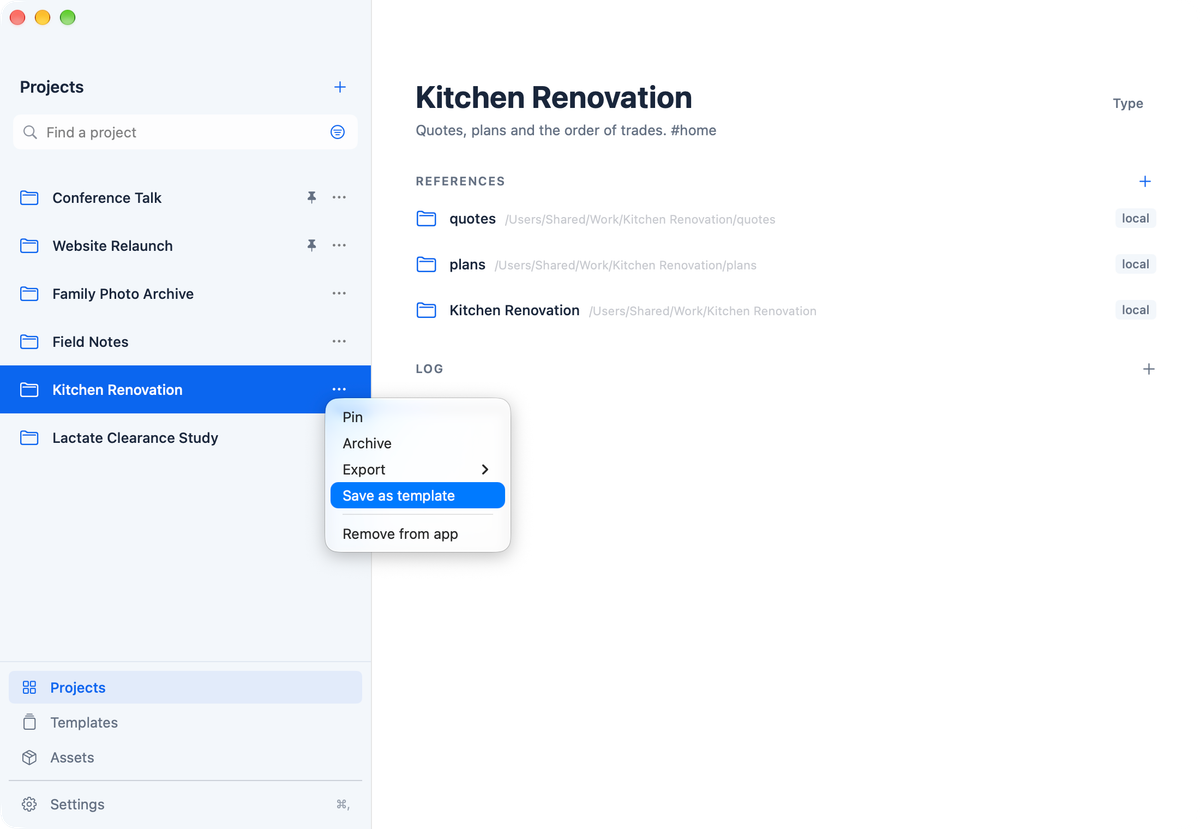
Code, Daten und Dokumente eines Projekts verteilen sich auf Ordner, Laufwerke und Websites, und jeder Ordner dokumentiert seine eigenen Details. Was kein Ordner abbildet, ist die Ebene darüber: wer das Projekt beauftragt hat und wozu, welche Projekte zusammengehören und wie es aufgesetzt wurde, damit sich seine Ergebnisse reproduzieren lassen. Projects bewahrt diesen Kontext für jedes Projekt auf, holt jedes mit ⌃⌥P in einem Tastendruck zurück, egal wo seine Dateien liegen, und beginnt das nächste aus deinen eigenen Vorlagen und wiederverwendbaren Assets, die jeden Ordner, jede Datei und jeden Befehl zeigen, bevor etwas entsteht. Nichts wird verschoben, und alles bleibt auf deinem Mac.
- Version
- 0.9.6
- Erschienen
- 18. Okt. 2026
- Größe
- 4,7 MB
- Voraussetzungen
- macOS 27.0 oder neuer
- Neu in dieser Version
- A project can link other projects. Work that spans several systems stays one project for its idea, approvals and decisions, and links the project of each system. Choose Link project… or New linked project… in the references menu; linked projects appear above the references, and each linked project shows which projects it is part of.
- Quick Access lists a project's linked projects after its own references, so Return opens the folder of the one you want to work in.
- A log entry can point to files, such as the PDF that records a decision or a chart. Choose Link File in the log editor or drop a file on the text. Each file shows as a small link under the entry; the app never copies it, and a missing file is marked and can be relinked.
- Before a command runs for the first time, the confirmation names the folder it runs in.
- Remove link can be undone, for references and for linked projects.
- Syncing a copy compares the folders again right before it changes anything, and stops if the result differs from what you confirmed. A folder discarded after a failed setup goes to the Trash.
- The Markdown export lists linked projects and the files of each log entry, and shows apps and scripts as paths rather than links.
- VoiceOver reads the date and files of each log entry, offers its actions, and announces confirmations.
- Daten
Alles bleibt auf deinem Mac; nichts wird an den Entwickler gesendet, und deine Dateien werden nie verschoben, umbenannt oder gelöscht. Siehe Datenschutzerklärung.
- Hintergrund
- Rechtliches